An AI assistant can answer questions, update records, approve requests, and trigger business workflows. But what happens when it tries to perform an action the signed-in user isn’t allowed to perform?
This is where AI access control becomes important.
If your application already restricts users through roles, permissions, and feature dependencies, your AI assistant should follow those same rules. It shouldn’t get a separate route with broader access simply because the request came through a chat interface.
In ASP.NET Zero, that means protecting the application service layer and ensuring AI-triggered actions go through the same authorization checks as regular user actions.
Otherwise, you haven’t made your application smarter. You’ve potentially created another way to bypass its security. Last week we covered why a button can show when the permission still fails. This week is the next step: making sure AI actions cannot skip that same AppService layer.
Contents
Key Takeaways
- An AI model should never decide what permissions it has.
- Hiding a button does not secure the API behind it.
- ASP.NET Zero AppServices should enforce authorization for AI-triggered operations.
AbpAuthorize and applicable feature dependency checks must remain in place.- Background AI jobs need the correct tenant and user context.
- Sensitive actions should have clear approval and audit records.
Why AI Actions Need the Same Permissions as Users
Think about a SaaS application where users can view customer records, update orders, or approve transactions.
Each operation has its own access rules. A user might be allowed to view an order but not approve a refund.
Now introduce an AI assistant.
A user asks:
“Find this customer’s order and issue a refund.”
The AI understands the request and identifies the required action. But understanding the request doesn’t mean it has permission to execute it.
The application must still verify:
- Who initiated the request?
- Which tenant does the user belong to?
- Does the user have the required permission?
- Is the relevant feature enabled?
- Does the action require additional approval?
These checks should happen in your application, not inside the language model.
An AI-generated response is not an authorization decision.
One common mistake is treating the user interface as the security boundary.
For example, your Angular application might hide the refund button when a user doesn’t have the required permission.
That’s useful for the user experience, but it doesn’t protect the underlying service by itself.
A client can make API requests without using the visible button. An AI integration can also invoke an endpoint through its own tool-calling workflow.
If the server-side method doesn’t enforce authorization, the operation may still be accessible.
In ASP.NET Zero, the AbpAuthorize attribute can protect application services and individual service methods.
For example:
[AbpAuthorize(AppPermissions.Pages_Orders_Refund)]
public async Task RefundOrder(RefundOrderInput input)
{
    // Validate the request
    // Execute the refund workflow
}
The important point is that authorization happens at the service layer, not only when the interface decides whether to display a button.
If a human or an AI-triggered workflow reaches this method, the same server-side authorization rules should apply.
How ASP.NET Zero Feature Dependencies Apply to AI
Permissions are only part of the picture.
Many SaaS applications also use feature management to control which capabilities are available to each tenant or subscription edition.
For example, imagine an AI-powered reporting feature called MyAiFeature.
A tenant might have access to the basic reporting module but not the AI reporting capability.
Even if a user has a permission associated with that operation, the feature must still be available under the application’s configured feature rules.
In ASP.NET Zero and ABP-based applications, feature dependencies can be used to connect permissions with feature availability.
For example:
new Permission(
    AppPermissions.Pages_AiReports,
    L("AiReports"),
    featureDependency: new SimpleFeatureDependency("MyAiFeature")
);
The exact registration pattern depends on your ASP.NET Zero and ABP version.
The important distinction is:
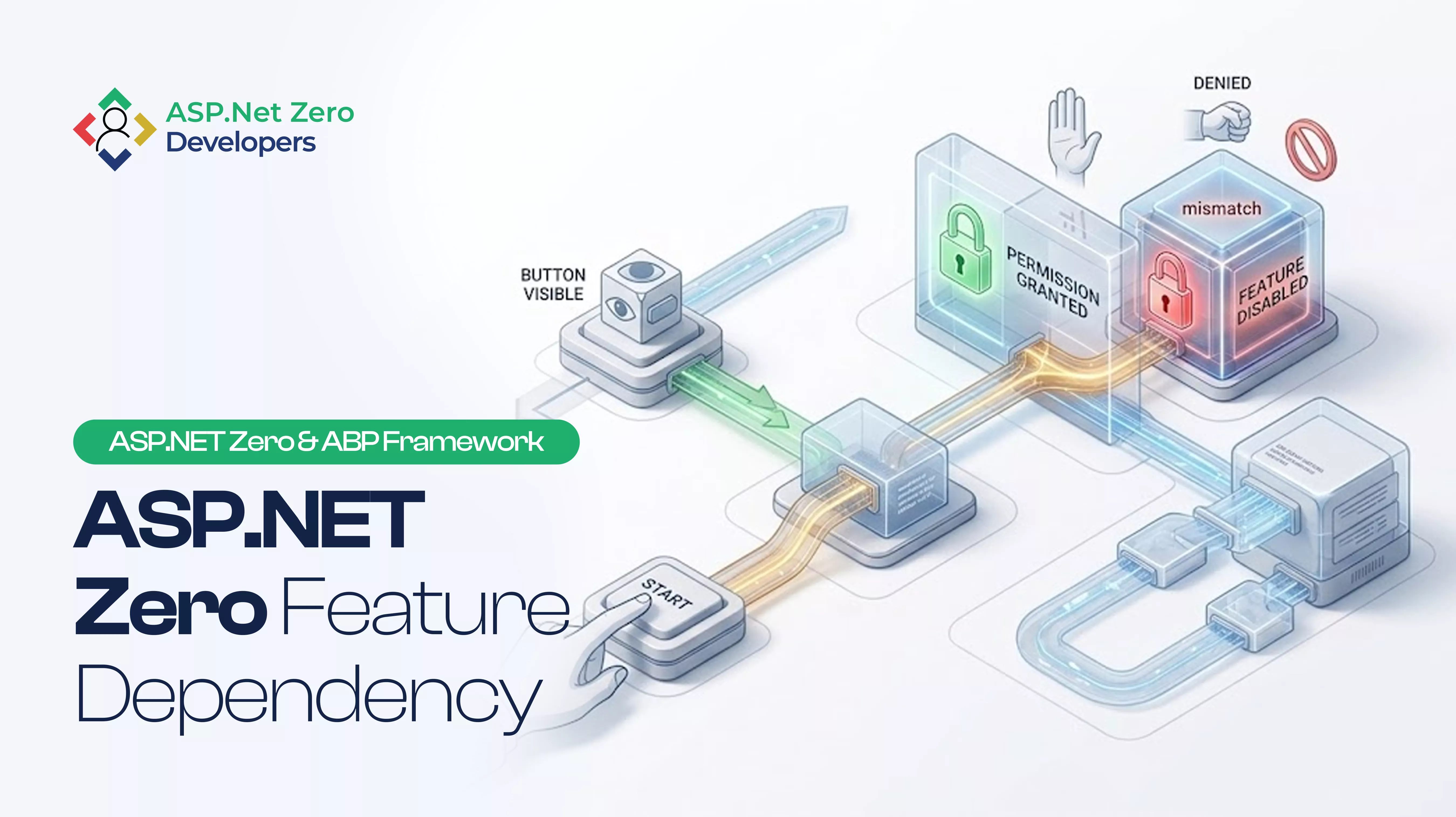
- Permission: Is this user allowed to perform the operation?
- Feature availability: Is this capability enabled for the tenant?
- UI visibility: Should the interface display the option?
These checks solve different problems. Showing an AI action in the chat interface should never be treated as proof that the user can execute it.
A Safer Pattern for AI Actions in ASP.NET Zero
Instead of creating a separate API for AI, use the application’s existing authorization structure.
A safer workflow looks like this:
1. The user requests an action
The user asks the AI assistant to update an order, generate a report, or approve a request.
2. The AI proposes the operation
The model identifies the intended action and prepares the required input.
3. The backend resolves the user’s identity and tenant
The application establishes the authenticated user context and the correct tenant context. It should not trust identity or tenant values supplied by the model.
4. The existing AppService executes the operation
The backend invokes the appropriate application service method rather than exposing a separate privileged route for AI.
5. Authorization and feature checks run
The service enforces the relevant AbpAuthorize and feature dependency rules. Any additional business-level validation must also run.
6. The application records the outcome
Record the initiating user, tenant, requested action, authorization outcome, and execution result. For sensitive operations, add an approval step where required.
This keeps AI inside the same security model as the rest of your application.
What About Background AI Jobs?
Not every AI operation finishes during a user’s active request.
Some tasks run through Hangfire or another background job system. Examples include generating reports, processing large datasets, or preparing scheduled summaries. We covered the Hangfire path in more detail in how to run AI actions with background jobs and how to restore missing user and tenant context.
These jobs introduce another important concern: user and tenant context.
If a background job needs to perform an operation on behalf of a user, pass the necessary identity and tenant information through the job arguments and restore the appropriate context when the job executes.
Do not assume a background worker automatically inherits the original user’s session.
Also, restoring a session is not a substitute for authorization. The job must still execute the appropriate permission and business checks. If the task is designed to run as a system process instead, give it an explicitly defined service identity and limited permissions rather than silently running with Host-level access.
The goal is simple: an AI task should not gain more access just because it runs in the background.
Frequently Asked Questions
Can an AI assistant access an ASP.NET Zero repository directly?
It is generally safer to expose approved application operations through AppServices or a dedicated backend action layer.
Direct repository access from an AI integration can bypass the authorization and business rules normally enforced by application services. Keep data access behind controlled application workflows.
Does AbpAuthorize protect AI-triggered API calls?
It protects the application service or method where it is applied. AI-triggered requests must reach that protected service through the normal authorization pipeline and execute with the intended user or service identity.
Simply adding an AI tool does not automatically give it the correct security context.
Should AI have its own permissions?
AI integrations may need their own narrowly scoped identity or permissions, depending on the architecture. However, those permissions should not become a way to grant broader access than the initiating user or approved workflow allows.
For user-driven actions, enforce the relevant user permissions. For system-driven tasks, define a separate service identity with explicit limits.
What happens if a tenant does not have an AI feature enabled?
The application should reject the operation when the relevant feature dependency or feature availability check fails. The AI interface should not be able to override tenant subscription or feature configuration.
Conclusion: AI Should Not Become a Shortcut Around Your Security
Adding AI to an existing application introduces new ways to interact with your data and business workflows. It shouldn’t introduce a new set of security exceptions.
If a user cannot approve a transaction through your existing application permissions, an AI assistant acting on that user’s behalf shouldn’t be able to approve it either.
Use the same protected AppServices, preserve tenant and user context, enforce feature dependencies, and record what the AI actually does.
The real test is simple: if you remove the chat interface tomorrow, can the AI integration still reach an operation that your application hasn’t properly protected?
If the answer is yes, your AI access control needs another look.