How to Secure AI Actions: ASP.NET Zero Permissions Must Apply to AI Too
Learn how to secure AI actions in ASP.NET Zero using AppService authorization, AbpAuthorize, and feature dependencies. Prevent AI from bypassing user permissions.
Read more →
ASP.NET Zero
Your AI assistant just generated a new InvoiceAppService. The project builds and the admin page works. But have you tested what happens when someone tries to do something they aren’t allowed to do?
It created the interface, DTOs, mapping profile, and even the Angular service call. The project builds. You log in as an admin, click through the page, and everything appears to work.
But there’s one problem.
You haven’t tested what happens when someone tries to do something they aren’t allowed to do.
Can a user without invoice permissions create an invoice? Can one tenant access another tenant’s records? Can a regular tenant user call a method intended only for the Host?
These are the kinds of problems that a successful build or a quick UI walkthrough won’t necessarily catch.
AI-generated code can save development time, but it still needs proper testing before it reaches production. A July 2026 study of 4,882 AI-generated pull requests found that coding agents added test changes in only 49.6% of pull requests that modified code under test. That leaves plenty of room for missing test coverage.
For an ASP.NET Zero application, the risks can be especially important because application services often enforce permissions, tenant boundaries, and business rules.
In this guide, we’ll cover six ASP.NET Zero unit tests worth running before merging an AI-generated AppService.
The examples are based on the standard ASP.NET Zero test-project approach. Helper methods and class names may need to be adapted to your solution and framework version.
AI-generated code isn’t automatically unsafe. The problem is assuming that code is correct simply because it compiles or works in one scenario.
An AI coding assistant works with the instructions, code, and context you provide. It may not know every business rule in your application.
For example, it might generate an invoice service that:
[AbpAuthorize] attribute.[Required] or [StringLength] validation rule.The application may still build successfully.
This is why testing AI-generated code needs to go beyond the happy path.
Before merging an AI-written AppService, you should be able to prove that the correct permissions are enforced, tenant data stays isolated, Host-only operations remain restricted, and invalid inputs are rejected.
A code review is important, but a test that fails when a security rule is removed gives you something more concrete to verify.
Before creating a new testing setup, check the test project included in your ASP.NET Zero solution.
The standard template provides an application testing foundation built around tools such as:
Test classes commonly derive from AppTestBase, which provides the test initialization and supporting infrastructure.
The template also includes login helpers such as LoginAsDefaultTenantAdmin().
This is useful for testing normal application operations, but it can also create a blind spot.
A tenant administrator usually has broad permissions within that tenant. If every test runs as an administrator, a missing authorization attribute may go unnoticed.
Your tests need to include users who should fail, not only users who should succeed.
Let’s use an InvoiceAppService as an example.
The goal isn’t to test every line of generated code. It’s to test the rules that could cause real problems if the AI assistant overlooked them.
Start with a basic test to confirm that the service works for an authorized user.
public class InvoiceAppService_Tests : AppTestBase
{
    private readonly IInvoiceAppService _invoiceAppService;

    public InvoiceAppService_Tests()
    {
        LoginAsDefaultTenantAdmin();
        _invoiceAppService = Resolve<IInvoiceAppService>();
    }

    [Fact]
    public async Task Should_Create_Invoice()
    {
        await _invoiceAppService.Create(
            new CreateInvoiceInput
            {
                Number = "INV-1001",
                Total = 120m
            });

        UsingDbContext(context =>
        {
            context.Invoices
                .FirstOrDefault(i => i.Number == "INV-1001")
                .ShouldNotBeNull();
        });
    }
}
This verifies that an authorized user can execute the operation and that the invoice is persisted.
It is a useful starting point, but it doesn’t prove that the permission rules are working.
For that, you need the next test.
Now try the same operation with a user who doesn’t have the invoice creation permission.
Create a test user without the required role or permission, log in as that user, and attempt the operation.
[Fact]
public async Task Should_Not_Create_Invoice_Without_Permission()
{
    var user = await CreateUserWithoutRolesAsync(
        "no.permission"
    );

    LoginAsTenant("Default", user.UserName);

    await Should.ThrowAsync<AbpAuthorizationException>(
        async () => await _invoiceAppService.Create(
            new CreateInvoiceInput
            {
                Number = "INV-1002",
                Total = 10m
            })
    );
}
CreateUserWithoutRolesAsync and LoginAsTenant are illustrative helpers. Implement them using the user creation and login utilities available in your test project. The expected exception should also match the authorization behavior of your ABP version.
Here’s an important review technique:
Temporarily remove the [AbpAuthorize] attribute and run the test again.
If the test still passes, it isn’t proving the authorization rule you intended to test.
Multi-tenancy is one of the most important areas to test in an ASP.NET Zero application.
Imagine two customers using the same SaaS platform:
Tenant A should never receive Tenant B’s records through a normal tenant-scoped query.
Create an invoice under another tenant, then query the service as a user from the Default tenant.
[Fact]
public async Task Should_Not_Return_Other_Tenant_Invoices()
{
    var otherTenantId =
        await CreateTestTenantAsync("other");

    UsingDbContext(otherTenantId, context =>
    {
        context.Invoices.Add(new Invoice
        {
            TenantId = otherTenantId,
            Number = "OTHER-1",
            Total = 5m
        });
    });

    LoginAsDefaultTenantAdmin();

    var result = await _invoiceAppService.GetAll(
        new GetInvoicesInput()
    );

    result.Items.ShouldNotContain(
        i => i.Number == "OTHER-1"
    );
}
The tenant creation and context helpers are illustrative. Make sure the test actually saves the record under the other tenant and that the service query runs under the intended tenant context.
This test can help catch problems such as:
IgnoreQueryFilters().A query returning the correct records for one tenant doesn’t prove that it protects every other tenant.
Some operations should only be available from the Host side.
For example, imagine an operation that recalculates information across all tenants.
A tenant administrator shouldn’t be able to execute it.
Test both sides of the restriction:
[Fact]
public async Task Tenant_Admin_Cannot_Call_Host_Method()
{
    LoginAsDefaultTenantAdmin();

    await Should.ThrowAsync<AbpAuthorizationException>(
        async () =>
            await _invoiceAppService.RecalculateAllTenants()
    );
}
Then add a separate positive test to verify that an appropriately authorized Host user can execute the operation.
The exact Host login helper and expected exception depend on your template and authorization configuration.
Don’t assume that a method is Host-only just because its name suggests it. Test the actual authorization and tenant-side restrictions configured in your application.
AI-generated DTOs can look complete while missing important validation attributes.
For example, your database might restrict an invoice number to 50 characters, but the generated DTO may accept a much longer value.
Review your input DTO and test its validation rules.
[Fact]
public async Task Should_Reject_Invalid_Invoice_Input()
{
    var input = new CreateInvoiceInput
    {
        Number = new string('A', 100),
        Total = 120m
    };

    await Should.ThrowAsync<AbpValidationException>(
        async () =>
            await _invoiceAppService.Create(input)
    );
}
This example assumes the DTO has an applicable length constraint and that the AppService validation pipeline enforces it.
Repeat the test for important fields such as:
The important thing is to test the rules your application actually requires, not just whether the DTO accepts a request.
Permissions and feature availability are different checks.
A user may have a permission associated with an AI reporting operation, but their tenant may not have the AI reporting feature enabled.
Your application should reject the operation when its required feature is unavailable.
For example, if an AppService method depends on MyAiFeature, write a test that disables that feature for the test tenant and attempts the operation.
[Fact]
public async Task Should_Not_Run_When_Ai_Feature_Is_Disabled()
{
    LoginAsDefaultTenantAdmin();

    // Disable MyAiFeature for the test tenant
    // using the feature-management setup
    // available in your ASP.NET Zero version.

    await Should.ThrowAsync<Exception>(
        async () =>
            await _invoiceAppService.GenerateAiReport()
    );
}
This is a test outline, not a drop-in implementation. Replace the feature setup with the feature-management API available in your version, and assert the specific exception your application throws when the feature is unavailable.
The test should prove that a user cannot execute a feature-dependent operation simply because they have a permission or can see the corresponding button.
Yes. This is a useful way to make requirements clearer before implementation begins.
Instead of asking an AI assistant to generate the entire AppService immediately, provide it with:
Then ask it to draft the tests first.
Review the tests before accepting the implementation.
Ask yourself:
AI can help generate the test skeletons and arrange the test data. But a developer should decide which application rule each test must prove.
You don’t need to manually repeat every testing step after each AI-generated change.
A good workflow separates repetitive execution from engineering decisions.
| Automate | Keep with a developer |
|---|---|
| Generate test skeletons from AppService interfaces | Decide which permissions each method requires |
| Run unit tests in CI for every pull request | Define tenant and Host access rules |
| Re-run tests after AI changes | Review whether tests prove the intended behavior |
| Flag AppServices without test coverage | Decide whether a failing test reveals a code defect or an incorrect requirement |
| Report failed assertions | Approve the final implementation |
The purpose of automation is to make verification consistent, not to remove engineering judgment.
The six tests above cover important AppService risks, but some applications need additional coverage.
Background jobs: If an AppService schedules a background job, test that it executes with the correct tenant and user context. A background worker shouldn’t accidentally perform tenant work as Host.
Feature dependencies: Test the feature-enabled and feature-disabled scenarios, especially for tenant-specific capabilities.
Angular permissions: A button hidden through permission.isGranted improves the interface, but it doesn’t replace server-side authorization. Test the AppService itself.
HTTP integration: Application-layer unit tests don’t replace integration tests for routing, authentication, serialization, and the actual HTTP pipeline.
Start with the application’s existing test suite. Test normal operations, permission failures, data isolation, validation, and important business rules. Run the tests in CI before merging the generated code.
It can be, provided it goes through the same review, testing, and security checks as code written by a developer. A successful build alone doesn’t prove that generated code follows your application’s business rules.
The standard ASP.NET Zero solution includes a test-project approach using ABP testing infrastructure. AppTestBase is commonly used to initialize the test environment and resolve application services. Check the template version used by your project because the exact setup can differ.
Yes. A happy-path test proves that an authorized user can perform an operation. It doesn’t prove that an unauthorized user will be rejected. Both scenarios matter.
They can verify important tenant-isolation rules at the application layer. However, they should be complemented by integration tests where necessary to verify the full request and authentication pipeline.
AI assistants can generate an AppService in minutes. But the speed of implementation doesn’t guarantee that permissions, tenant isolation, and validation rules are correct.
Before merging AI-generated code into an ASP.NET Zero application, test more than the happy path.
Verify that unauthorized users are rejected, tenant data stays isolated, Host-only operations remain protected, and invalid inputs never reach your business logic.
Most importantly, don’t let an administrator account become the only user in your test suite.
The real question isn’t whether AI can write your AppService. It’s whether your tests can catch what the AI missed.
Need help adding proper unit tests to an ASP.NET Zero codebase that has grown quickly with AI assistance? Our dedicated ASP.NET Zero teams include QA testers, and testing is part of delivering the feature.
Get In Touch
Hire ASP.Net Zero Application Developers that will provide the perfect solution to your business issues. Our technical experts will provide you with a free consultation.
Learn how to secure AI actions in ASP.NET Zero using AppService authorization, AbpAuthorize, and feature dependencies. Prevent AI from bypassing user permissions.
Read more →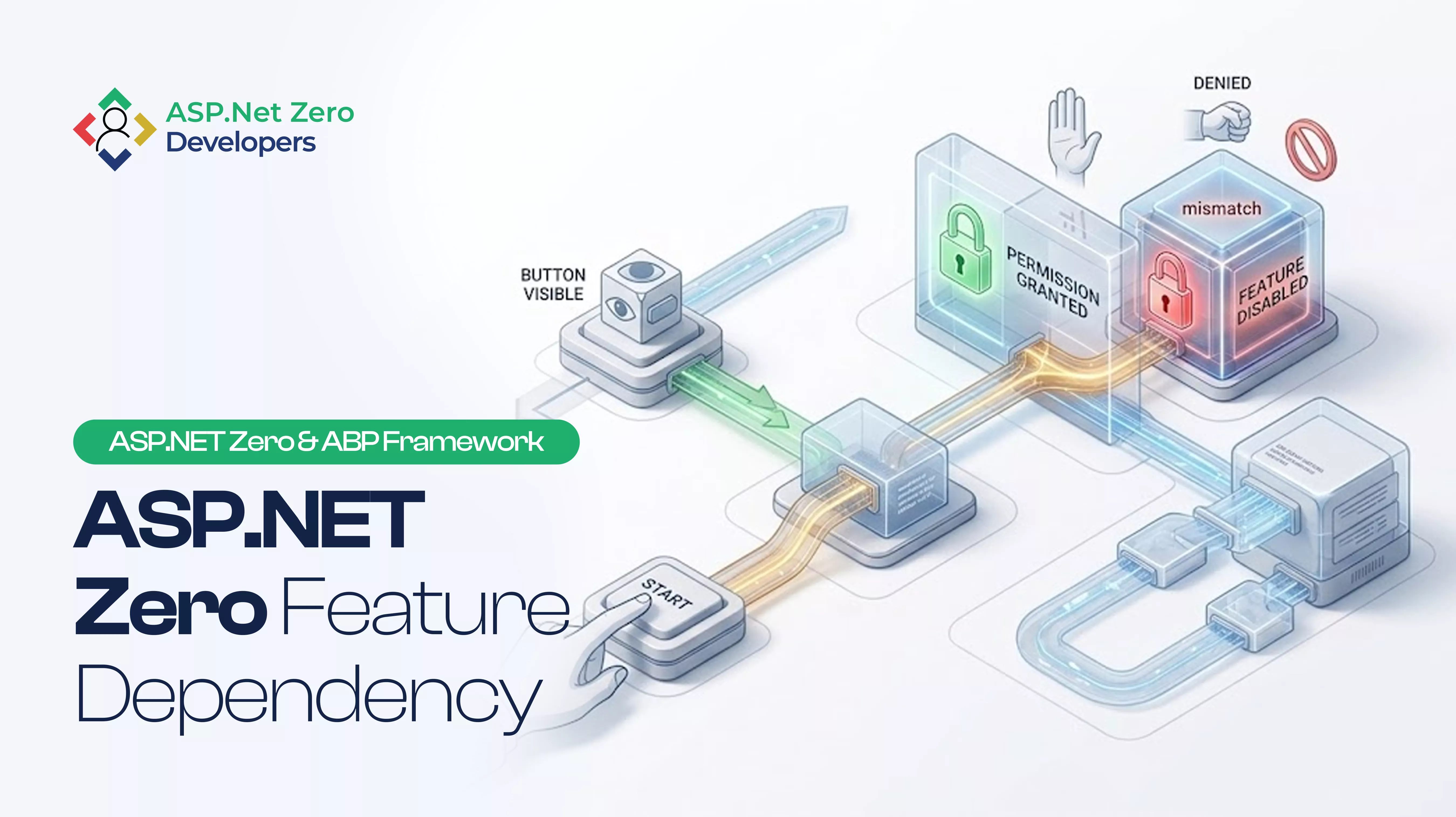
A button is visible in Angular, but clicking it returns an authorization error. Learn why ASP.NET Zero SimpleFeatureDependency, tenant editions, MultiTenancySides, and UI checks must align.
Read more →
Hangfire jobs in ASP.NET Zero do not inherit the HTTP user. Pass TenantId and UserId, restore AbpSession.Use, keep authorization, and notify the right tenant when AI work finishes.
Read more →